When I got my first programming job almost a couple of decades ago, I was put under the supervision of a senior programmer. I tried to learn and copy as much as possible from him. Vladimir was a pretty chill guy, and he hated my initial workaholic mindset, I even overheard him trying to get rid of me. I’m a quick learner, so I figured out I needed to take a week for tasks that took a day, and to stop bothering people and asking for advice all the time. We got on good terms later on.
One habit I picked up from him was putting all my code into a dedicated projects folder. We didn’t use git back then, it was svn times, but ever since, one of the first things I do on a new machine is create that ~/projects folder and clone my repos there.
I have a few machines, and each one has its own projects folder. It’s not ideal, and they often get out of sync. Plus, I have to check all the subfolders for stale diffs and unpushed commits whenever I want to wipe my OS and try something new.
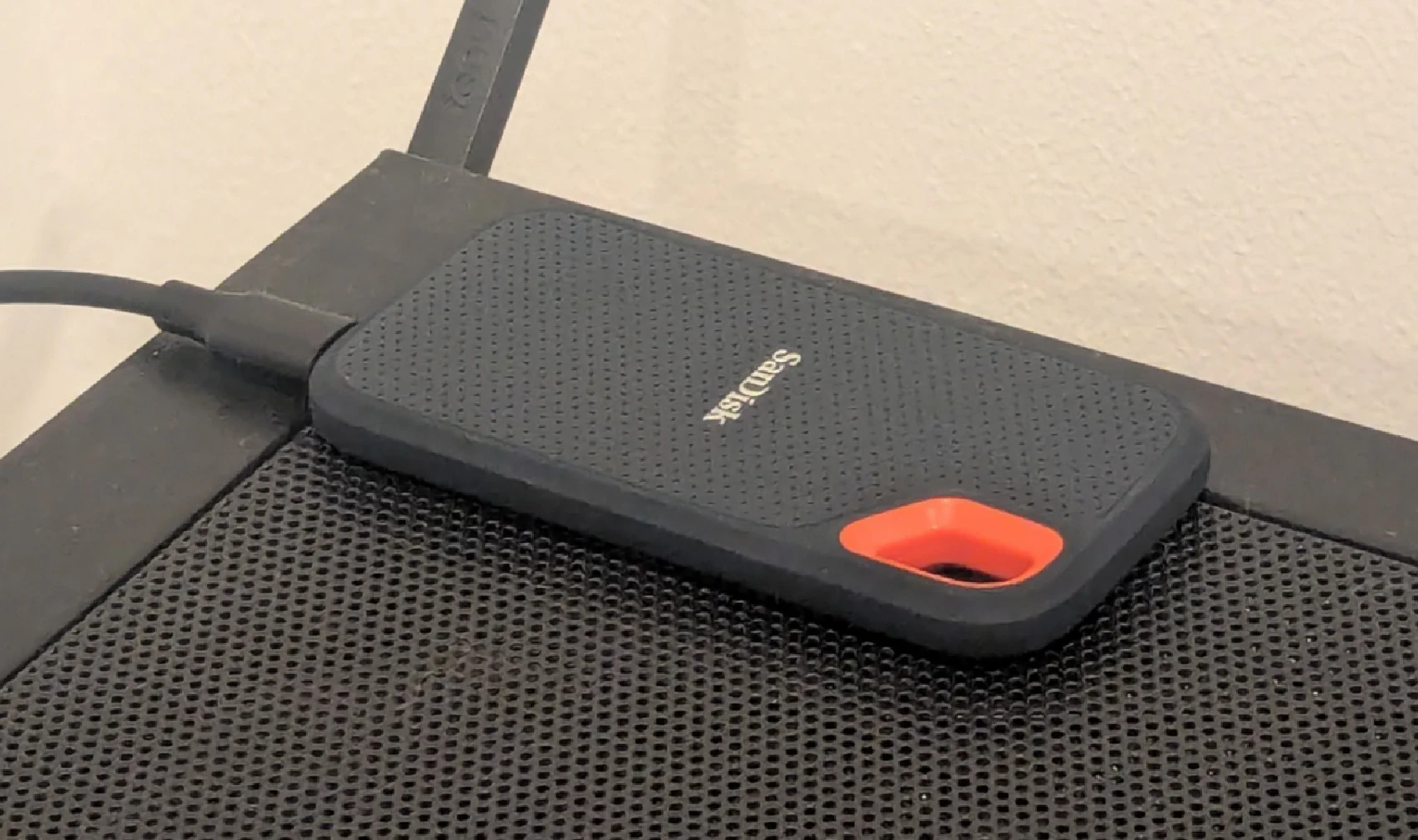
As I recently mentioned, I now have a portable encrypted drive, so I finally renamed my projects folder to git and moved it there. I also added a symlink so the folder is accessible from ~/git.
The new name is more specific, and it doesn’t conflict with the existing projects folder, which I keep for non‑code project resources.
This setup works because I only work from one machine at a time, and the portable drive is truly portable, easy to plug into whatever machine I’m using.
As a bonus, having a global “proxy folder” for my GitHub repos adds another layer of protection from deplatforming. People often forget that a git repo is just a self-contained directory.